Various Teaching Templates
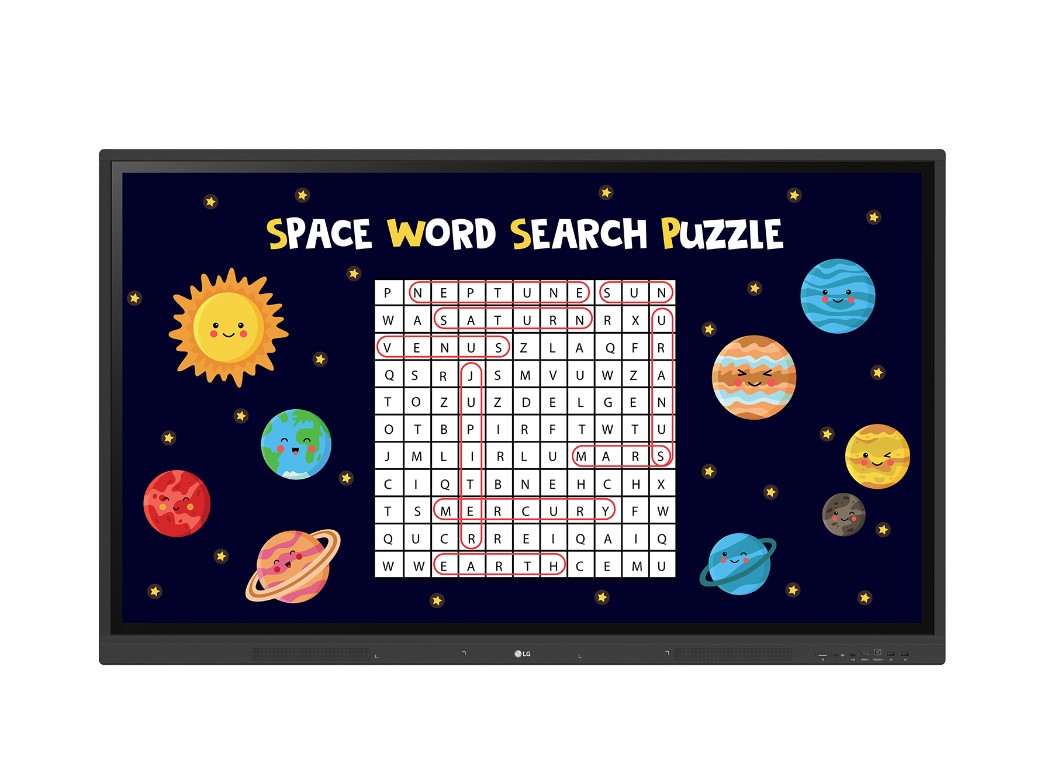
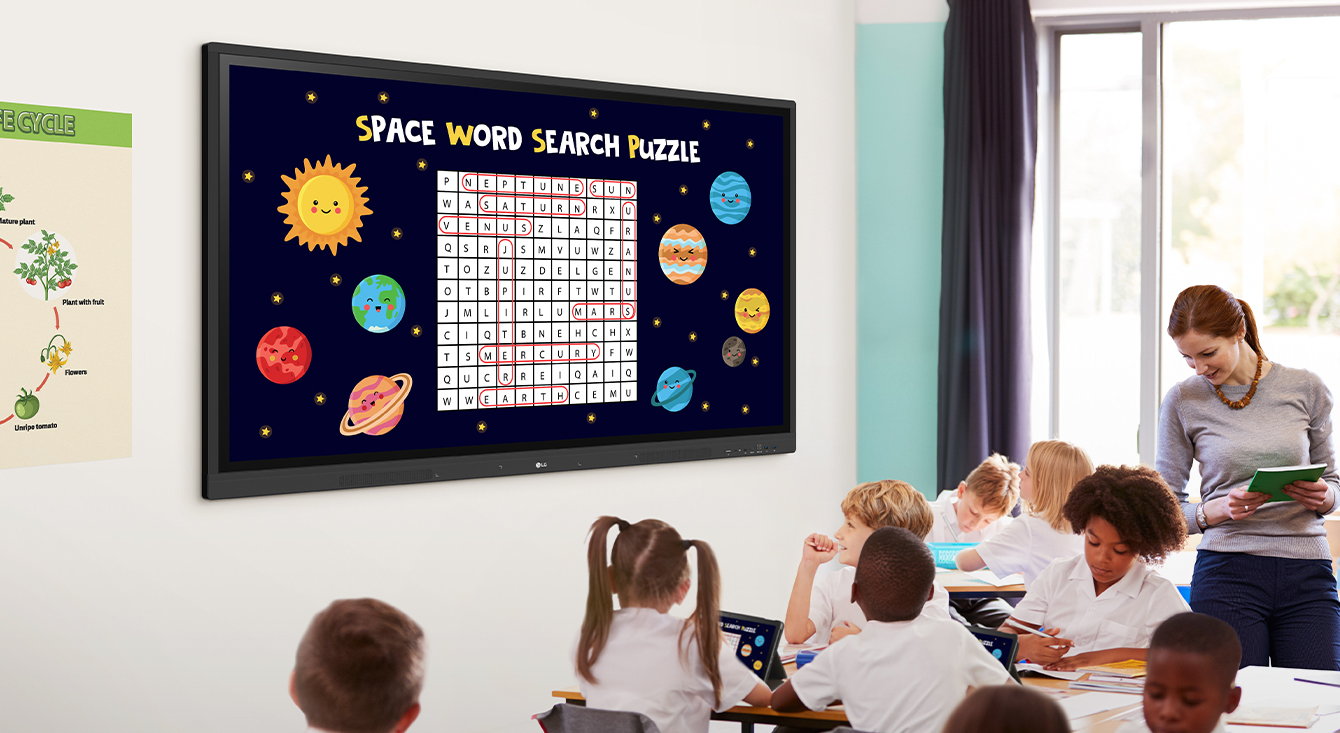
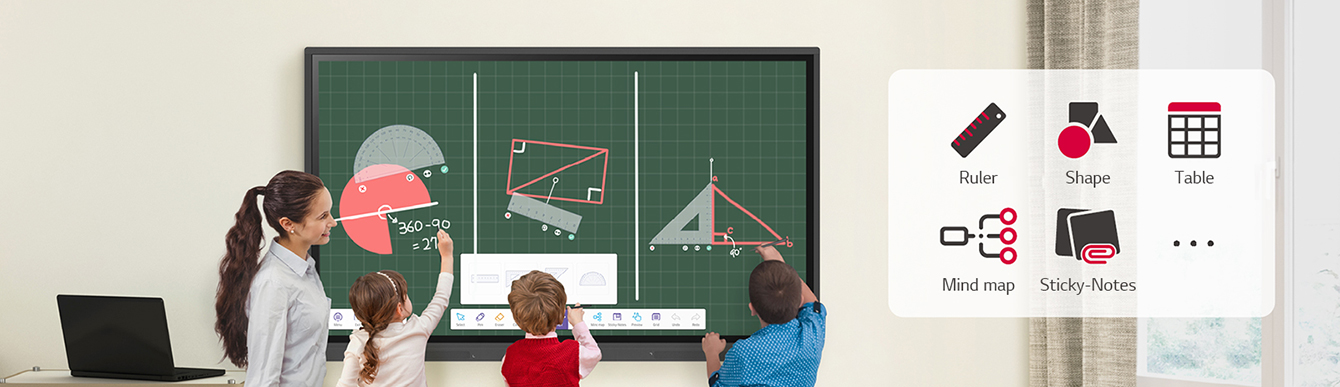
LG CreateBoard offers a variety of educational templates and teaching tools such as
a ruler, table, and sticky notes, allowing for active engagement by students and enabling
intuitive classes. Editing images and videos becomes easy with LG CreateBoard, and created
resources can be easily shared with others through QR codes.
Multi-touch
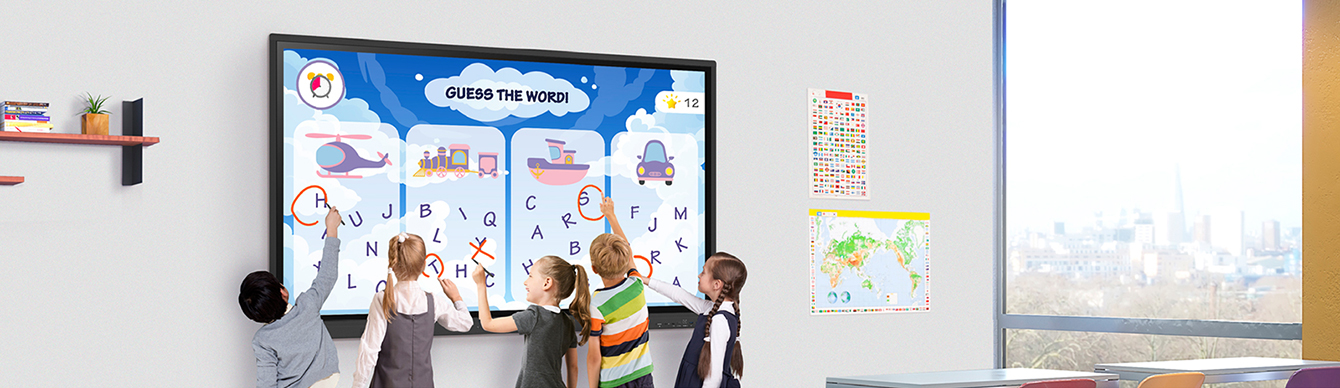
LG CreateBoard can simultaneously detect up to 40 points for multi-touch functionality.
This creates a lifelike board touch experience, helping students easily become accustomed and truly engage
in classes. This leads to the maximum concentration and organic engagement of students.

Easy to Save / Import / Export
LG CreateBoard includes simple import and export functionality.
Resources can be saved and imported directly to and from Google Drive or OneDrive, and files can be
imported from a USB drive (Users can browse resources saved on USB storage).